Xhorse VVDI Key Tool Plus Lift Pin & Cut Wire MQB NEC3525 Guide
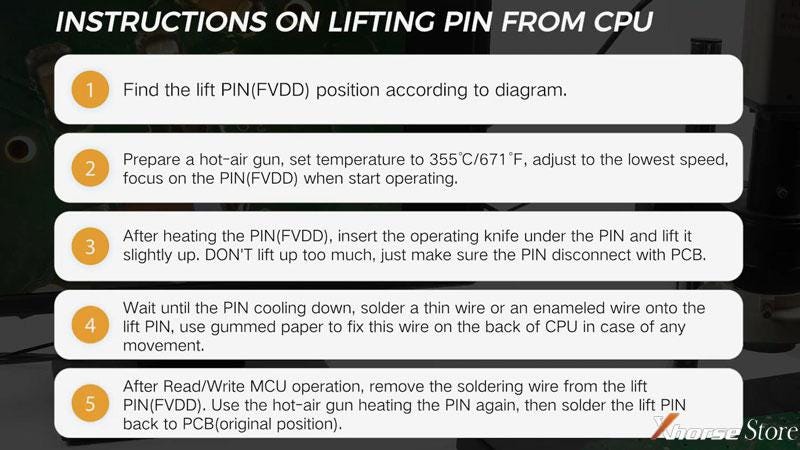
To successfully read VW MQB NEC35xx chip, not only we do need to activate Xhorse VW MQB License, but also need to learn how to lift pin or cut wire on dashboard. Both the connection methods are workable for VVDI Key Tool Plus & VVDI2 + VVDI PROG. This is what we're taking about.
Next we'll demonstrate how to lift pin and cut wire on a MQB NEC3525 dashboard.
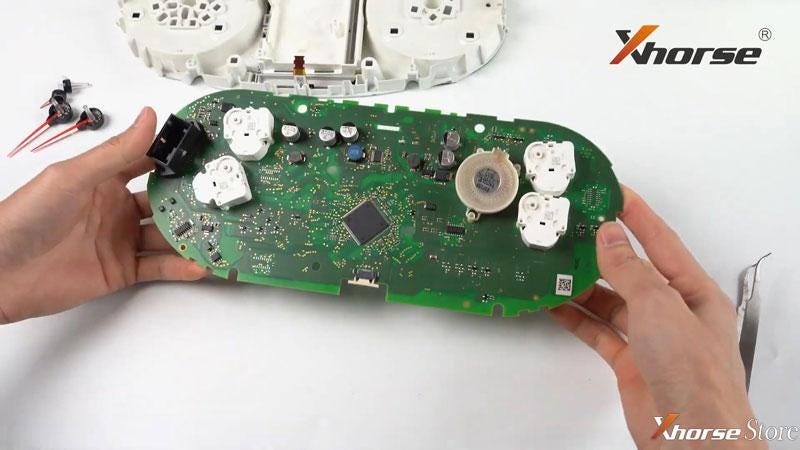
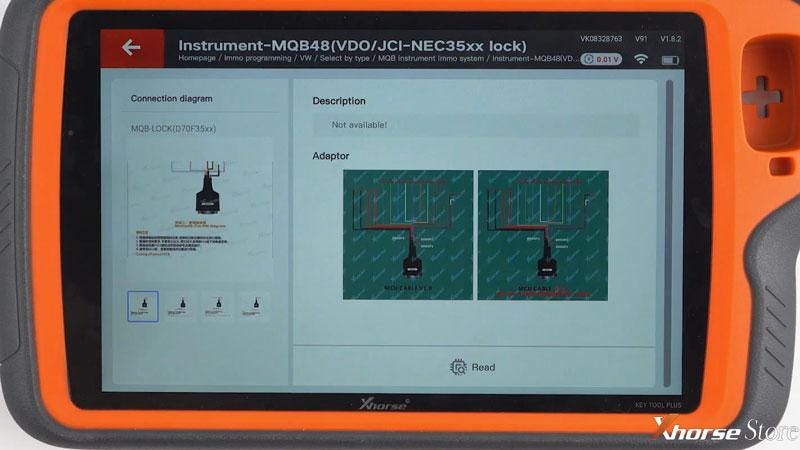
Method 1: Lift Pin
(Note: Don't lift up too much, just make sure the PIN disconnect with PCB. Otherwise, it may lead to pin breaking).
Now we have finished the pin lifting.
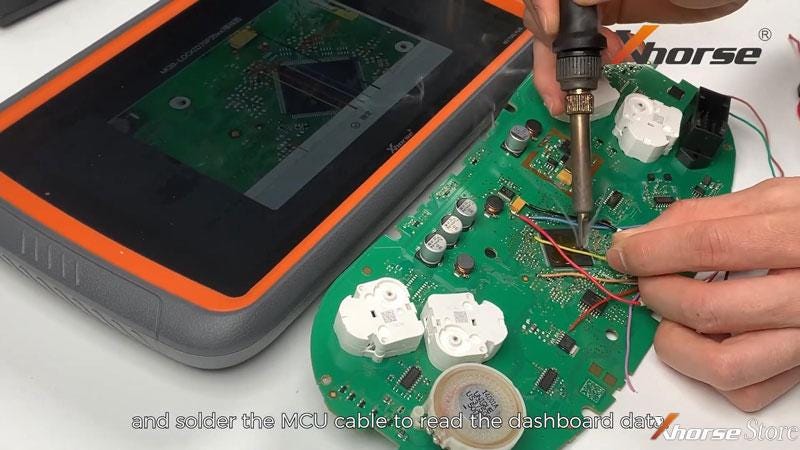
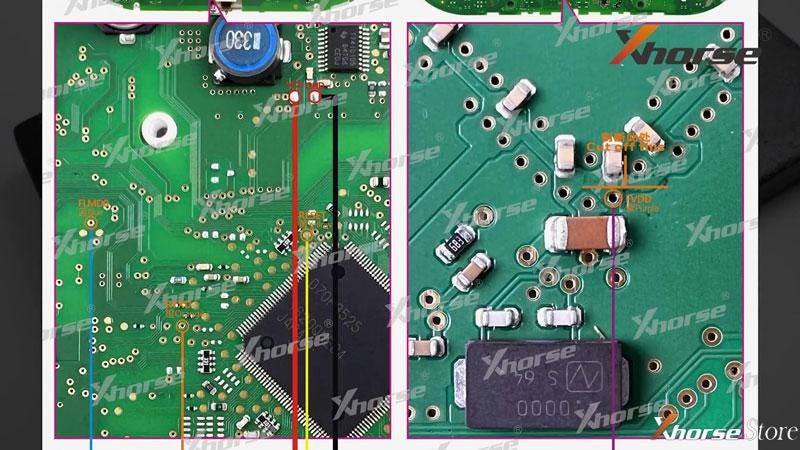
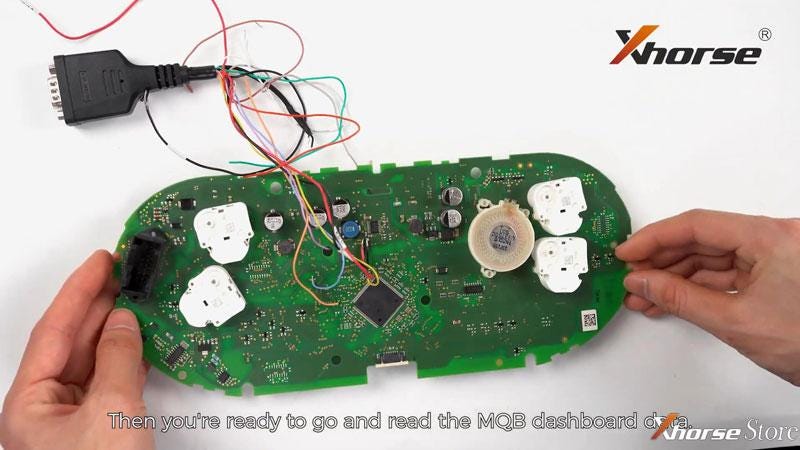
Follow the connecting diagram, solder the MCU cable to read MQB dashboard data. After getting the data out, restore the chip pin. Press the pin gently with tweezer. Use a a soldering iron to solder the pin back.
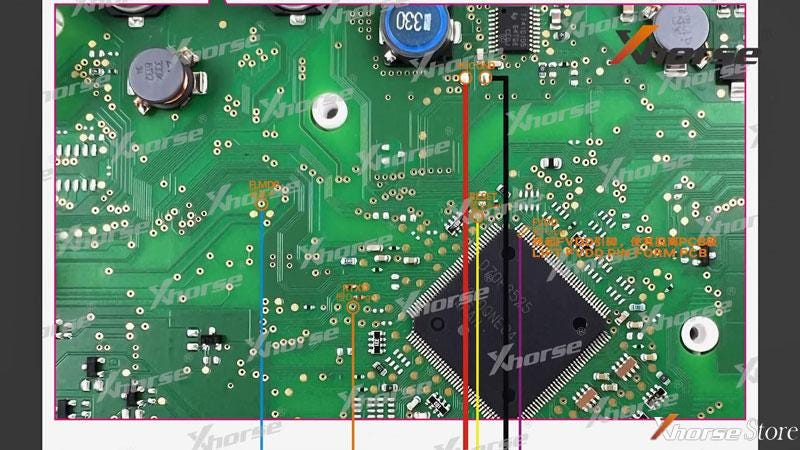
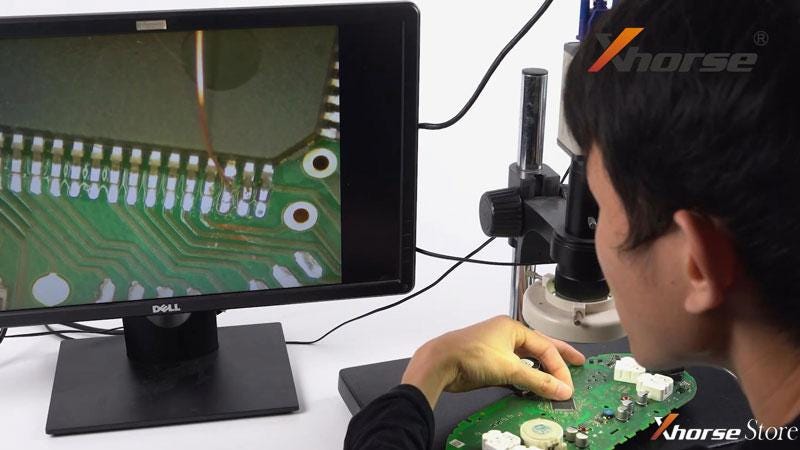
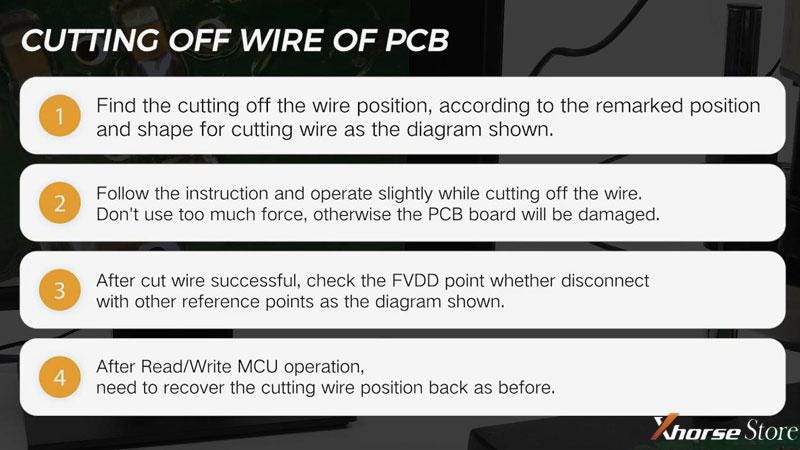
Method 2: Cut PCB Wire
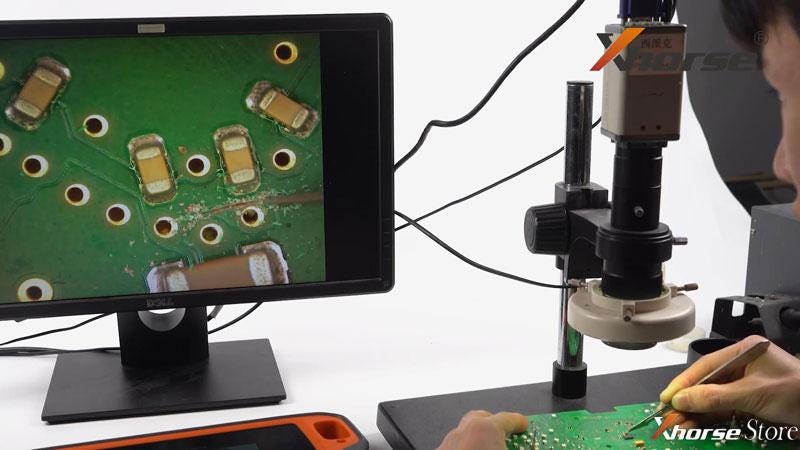
After that, solder the MCU cable onto the PCB board according to diagram. Then we're ready to read the MQB dashboard data. After reading, restore the PCB board.


Comments
Post a Comment