How to open Xhorse VVDI Remote Key to replace battery?
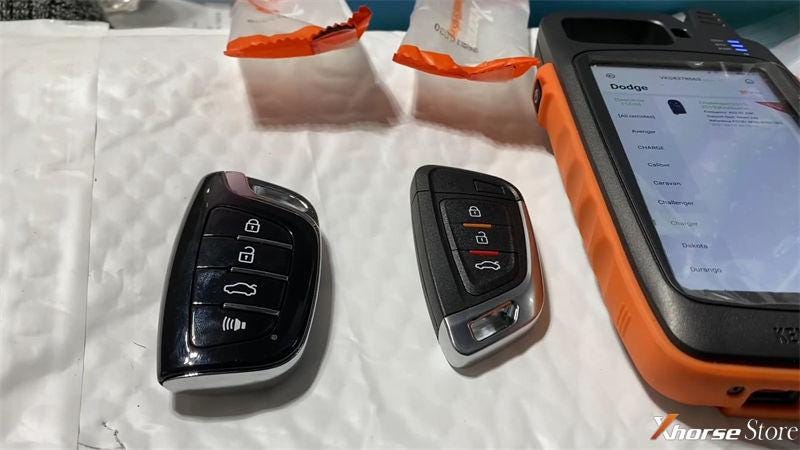
These are 2 Xhorse proximity VVDI Remotes with orange packing, both are XS series smarty remote. Next, I'm going to show how to open them to replace the battery.
- Open XSKF01EN Universal Smart Key Cover
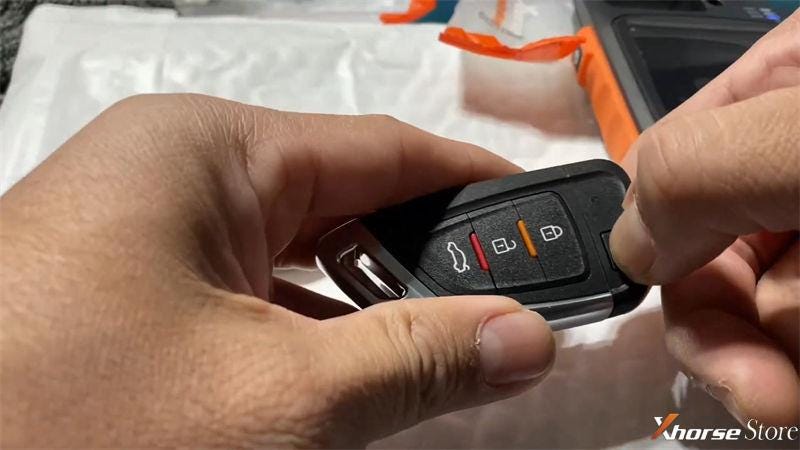
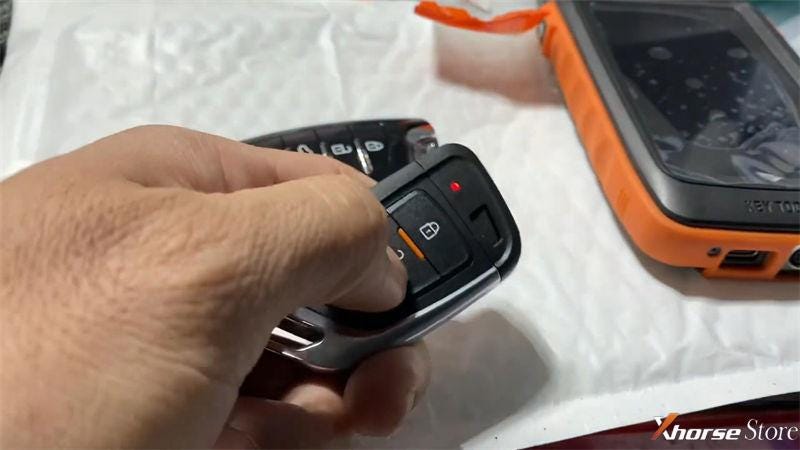
This is a smart key with 3 buttons: lock, unlock, trunk.
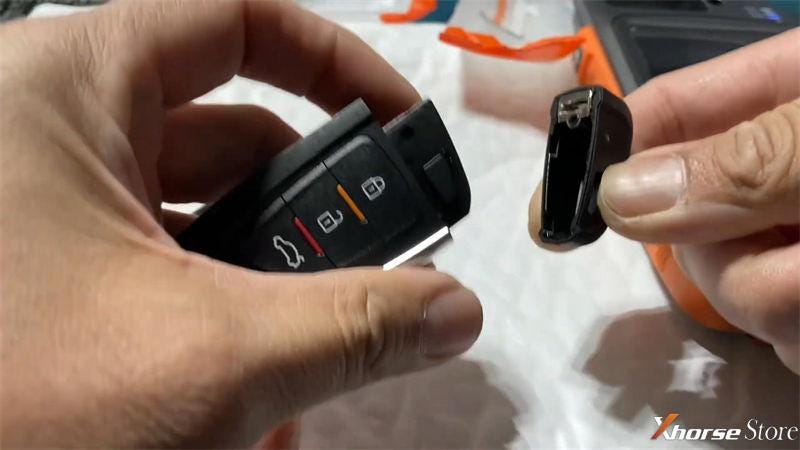
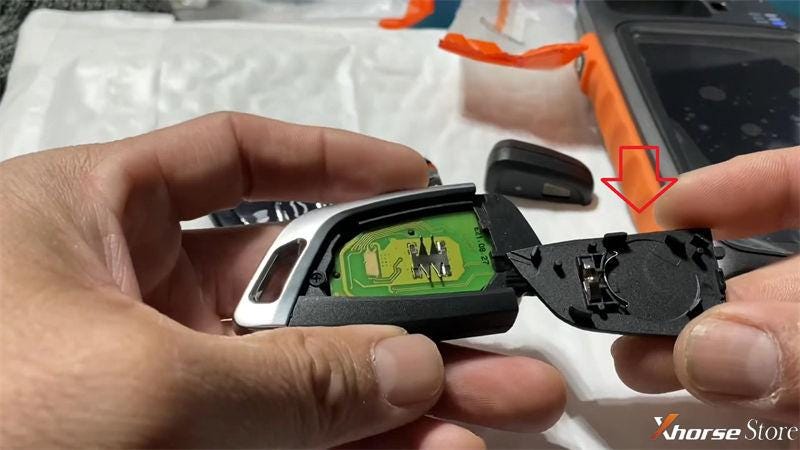
- Press the upper right corner button to snap out top cover.
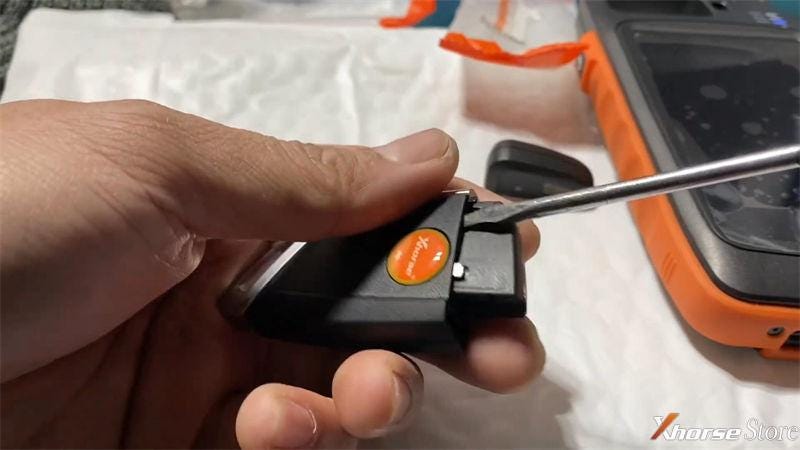
- Use a flat screw-driver to lever the backside cover along its edge.
- Take out the back cover, you can see a circle position. That's actually the position to put battery.
- Reinstall the cover to press any button. If the indicator flashes, which means done. The battery is installed correctly
- Open XSCS00EN Smart Remote Key Cover
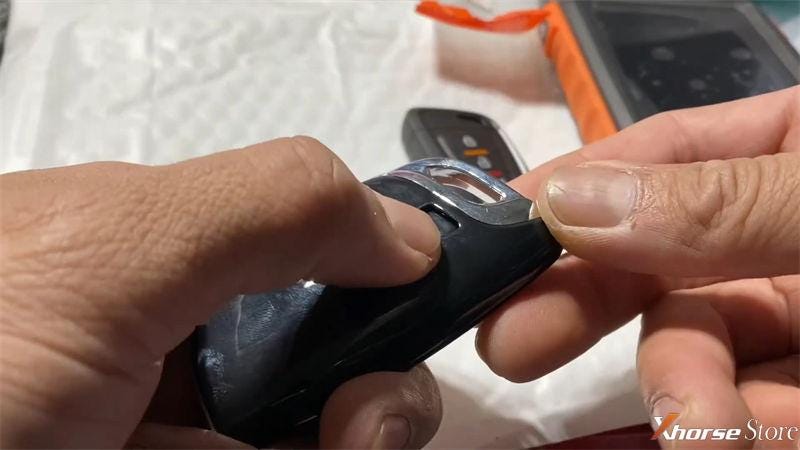
It's a shiny key with 4 buttons: lock, unlock, trunk, alarm.
- Press the button on upper backside to remove top cover.
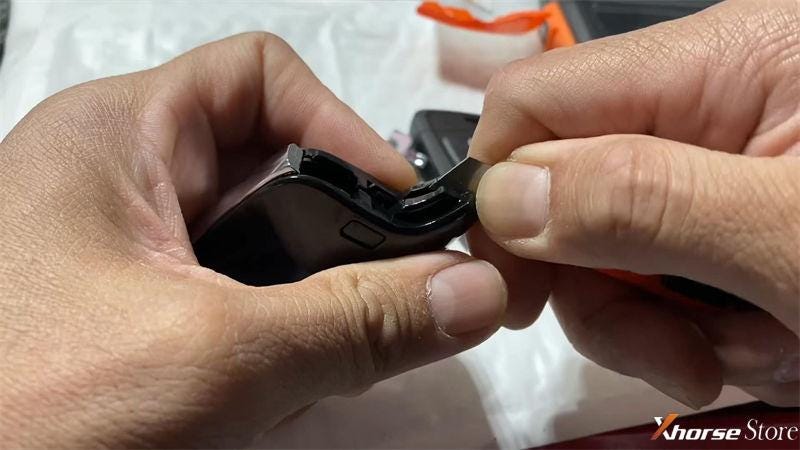
- Use a knife & flat screw-driver to pry the cover along its edge line.
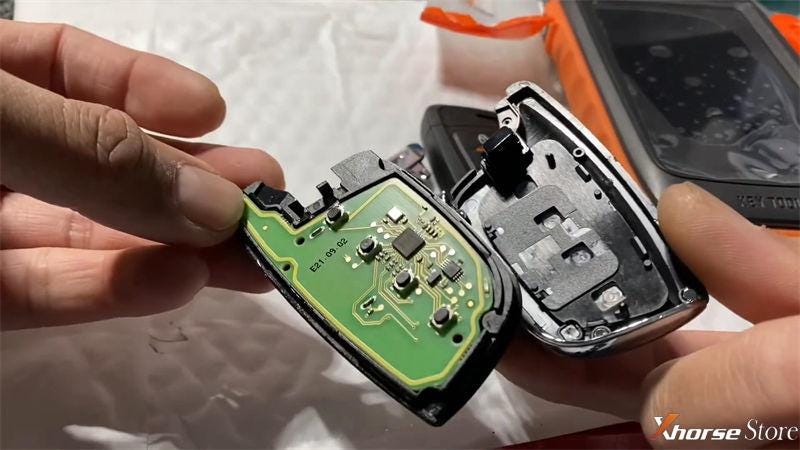
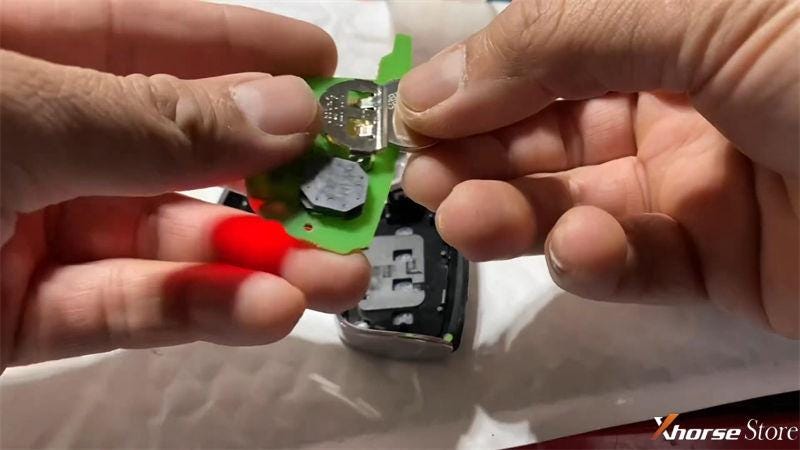
- Open the cover to take out circuit board. You can see battery slot is right on its backside.
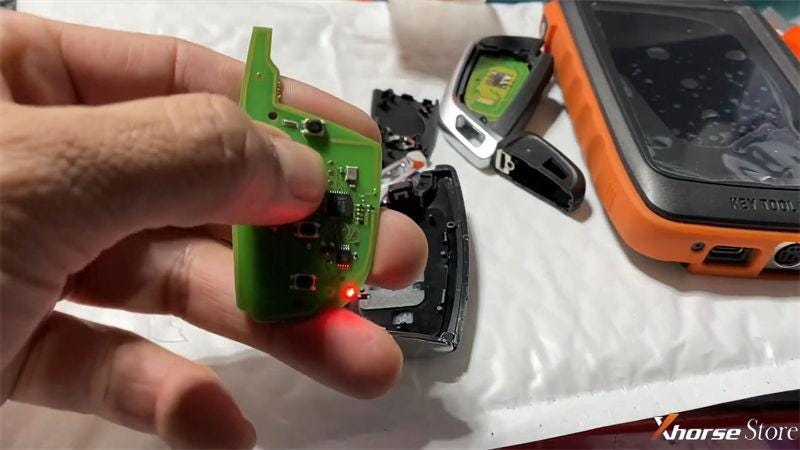
- Put a battery in, then test by button. Once red light flashes, which means done.
You can follow the similar way to open other Xhorse Keys and Chips.
Hope this is helpful.
Thanks to Xhorsestore Blog for the information in writing this article.


Comments
Post a Comment