How to Disassemble & Install Xhorse XM38 Smart Key?

 This is a quick demo to guide how to disassemble & install Xhorse XM38 Universal Smart Key. Follow the tips to learn how to do.

Check the operation video:

https://www.youtube.com/watch?v=DOkDgCMjIBo

How to disassemble XM38 Smart Key?
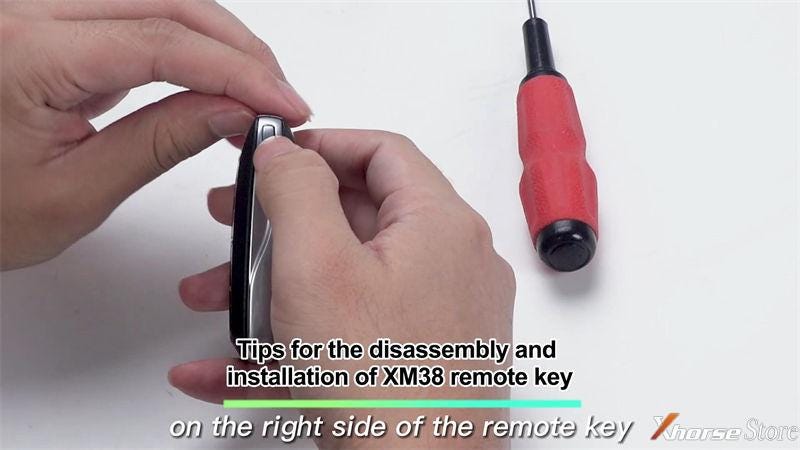
  • Press & hold the button on the right side of the XM38 remote key and take out the upper cover.

    1. Xhorse XM38 key removal PCB steps


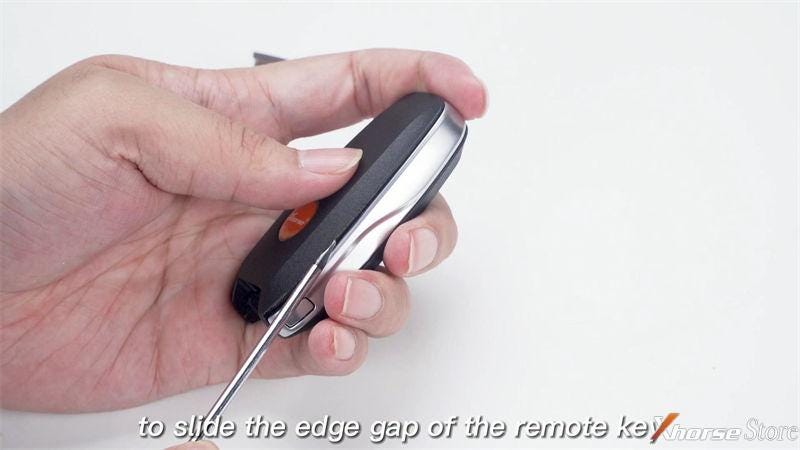
    2. Use a screwdriver to slide the edge gap of the XM38 smart key, lift the side edge slightly downwards

      1. Xhorse XM38 key removal PCB steps


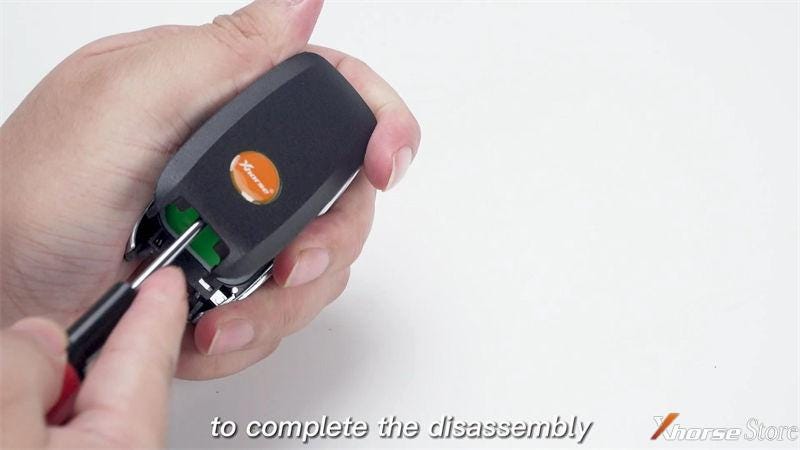
      2. Finally lift the back cover completely.

        1. Xhorse XM38 key removal PCB steps


          Disassembly is completed.

          Installation
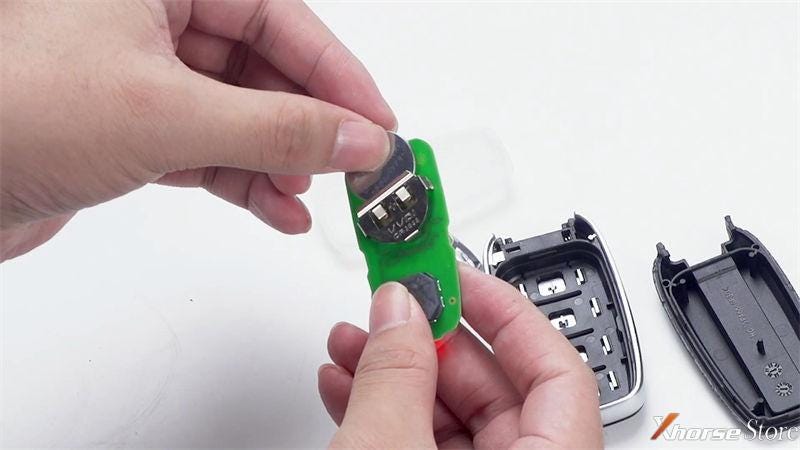
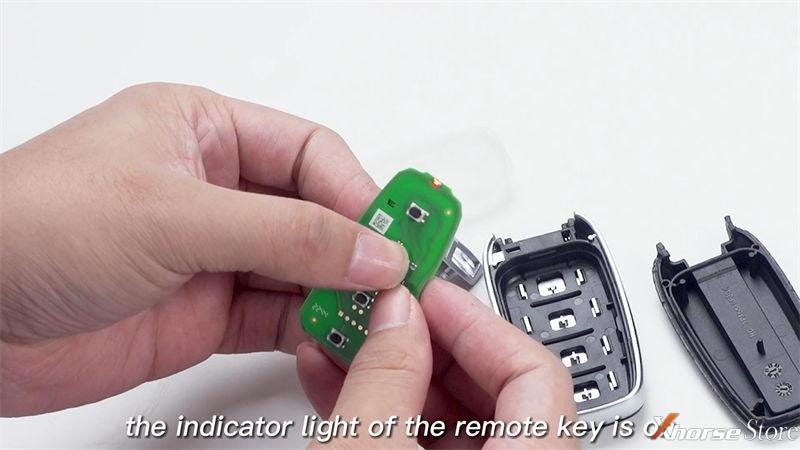
        2. Install the battery and test whether the indicator light of the XM38 Remote Keyis on.

          1. Xhorse XM38 key removal PCB steps

            Xhorse XM38 key removal PCB steps


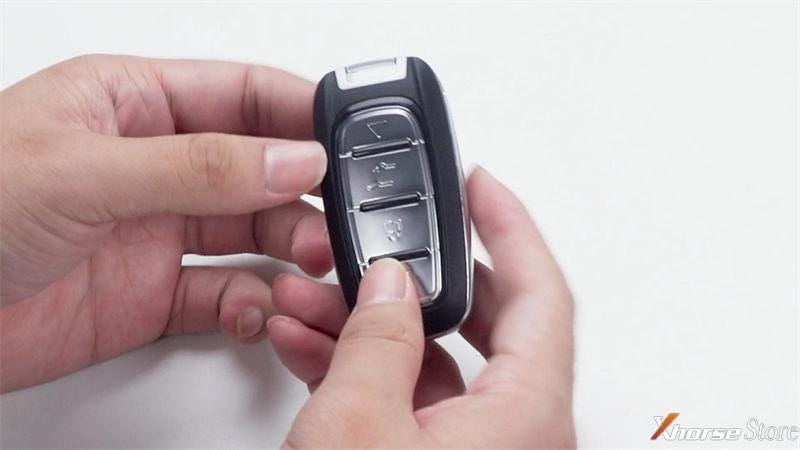
          2. After confirming all above is correct, assemble it in sequence.

            1. Xhorse XM38 key removal PCB steps


              That's it!

              Comments

              Popular posts from this blog

              Xhorse MVCI PRO J2534 Manual: Features, Download, Install

              Xhorse VVDI Key Tool Plus BMW Motor XM38 Key Learning Tutorial

              Xhorse VVDI Mini Key Tool Generate Toyota 0010(39), Possible?