Xhorse Masker Carage Remote Data Recovery Guide
This is Xhorse XKGHG1EN Masker Carage Remote manual on how to use rolling code ID regeneration and data recovery function. All can be done in seconds, which minimizes operational risk.
How to regenerate rolling code ID of Masker Carage Remote?
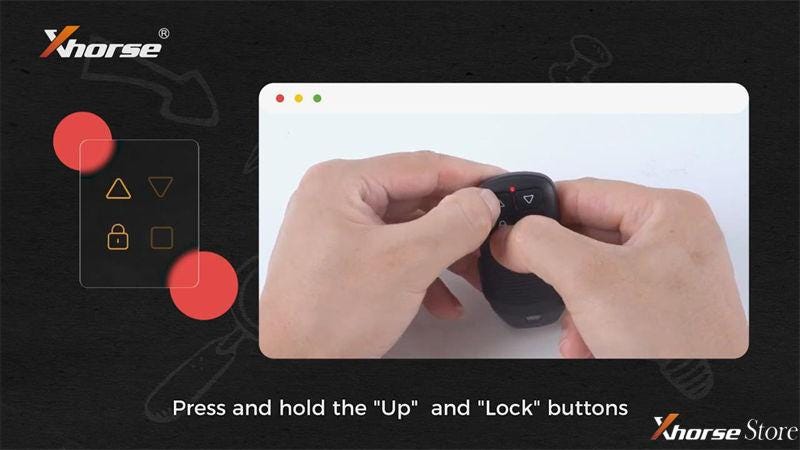
If the code chasing phenomenon appears after remote cloning, we can regenerate the rolling code ID and then finish remote programming.
Now the rolling code ID regeneration operation is successful.
How to recover Masker Carage Remote data?
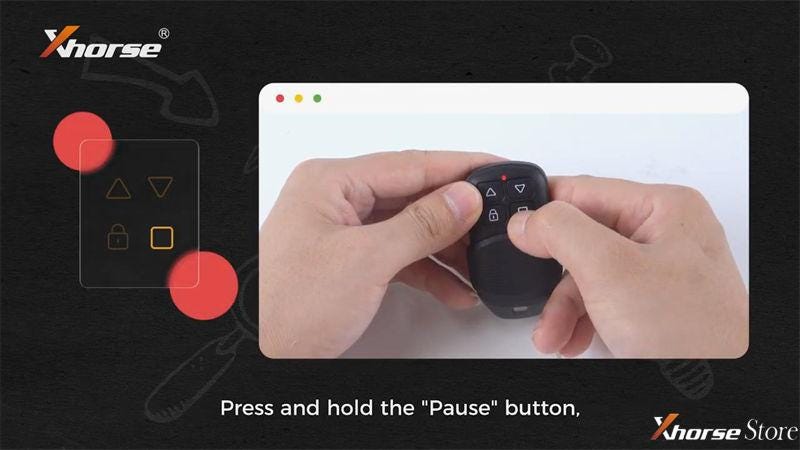
If the codes was deleted due to misoperation accidentally, you can recover remote to the previous data that has been set.
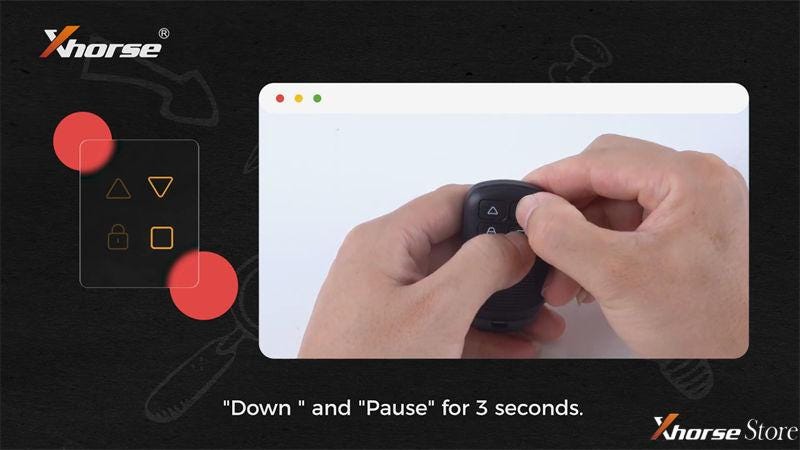
Recover data: hold and press Down + Pause buttons for 3s.
When the remote LED light turns on, which means the data is recovered.
*Delete data: hold and press Up + Down buttons
Hope this is helpful.


Comments
Post a Comment