Operation guide for Xhorse VVDI2 programming BMW E46 key
This is a quick guide on how to use Xhorse VVDI2 + VVDI PROG to program a BMW E46 EWS3 key. This will need to remove EWS3 module from vehicle. Follow the steps below to learn.
Step1. Read EEPROM via VVDI PROG
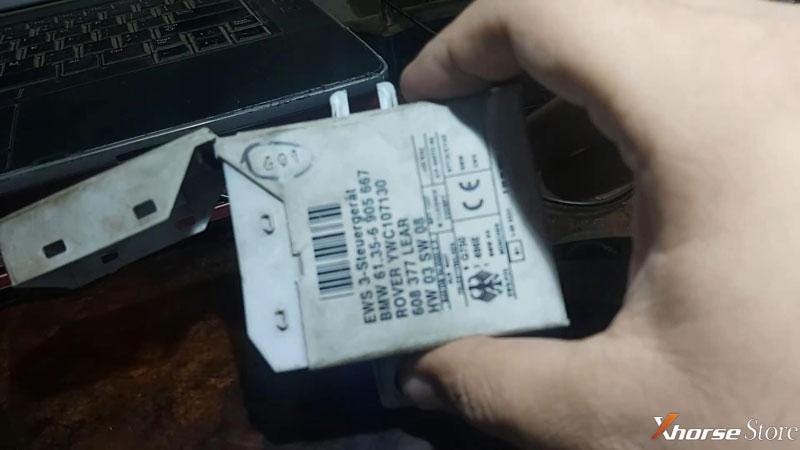
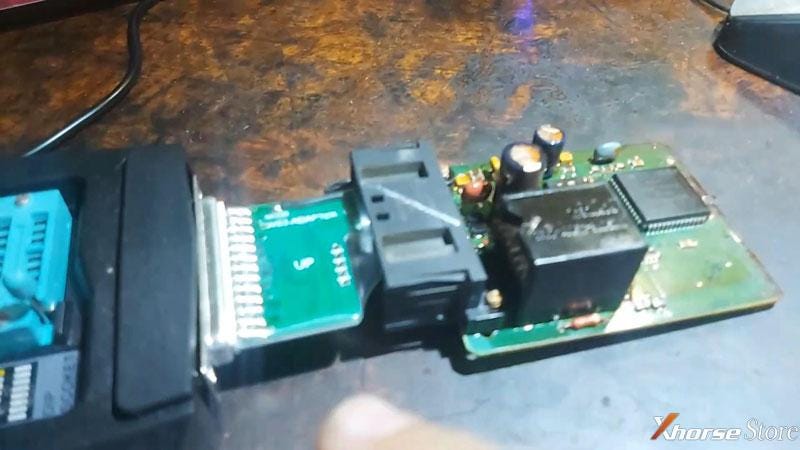
Connect EWS3, XDPG09EN Adapter & VVDI PROG.
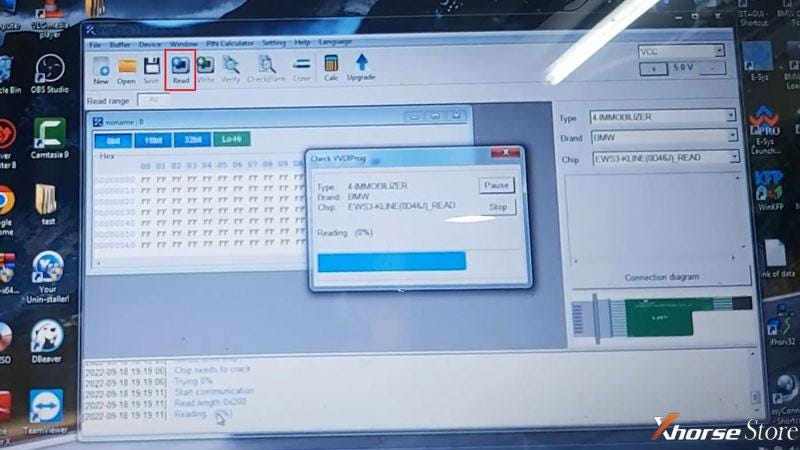
Open VVDI PROG software to select options:
Type: 4 Immobilizer
Brand: BMW
Chip: EWS3-KLINE(0D46J)_Read
Click "Read".
Operation success.
Click "Save".
Save EEPROM file success.
Step2. Program Transponder via VVDI 2
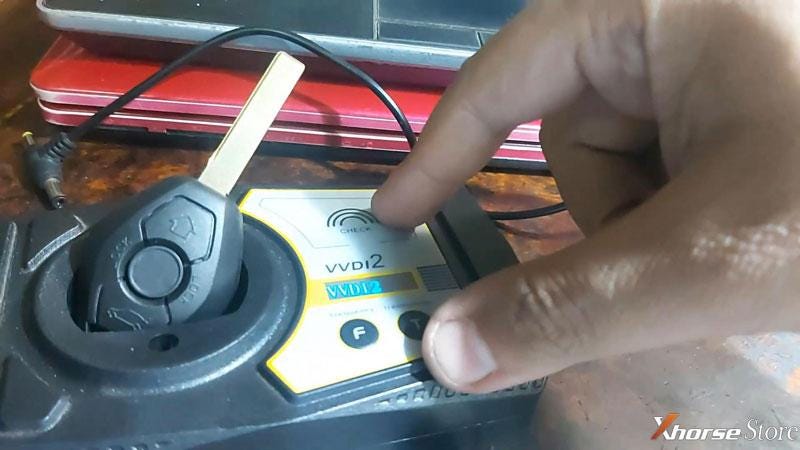
Unplug VVDI PROG, and connect to VVDI 2.
Put a key to be programmed into VVDI 2 Programmer key slot.
Open VVDI 2 software,
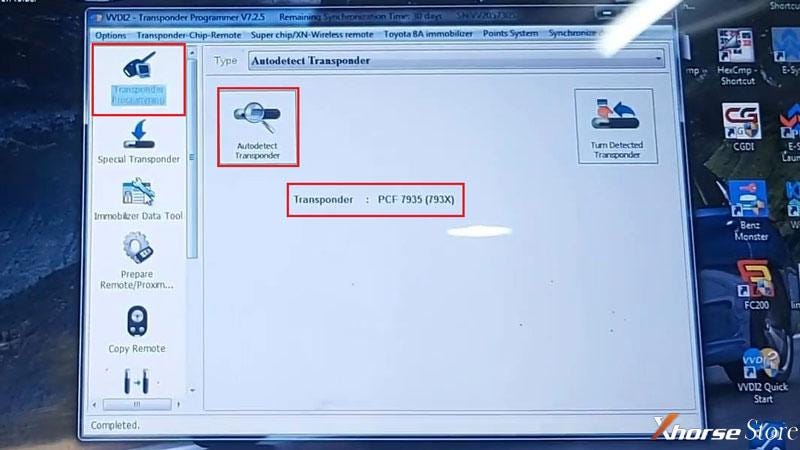
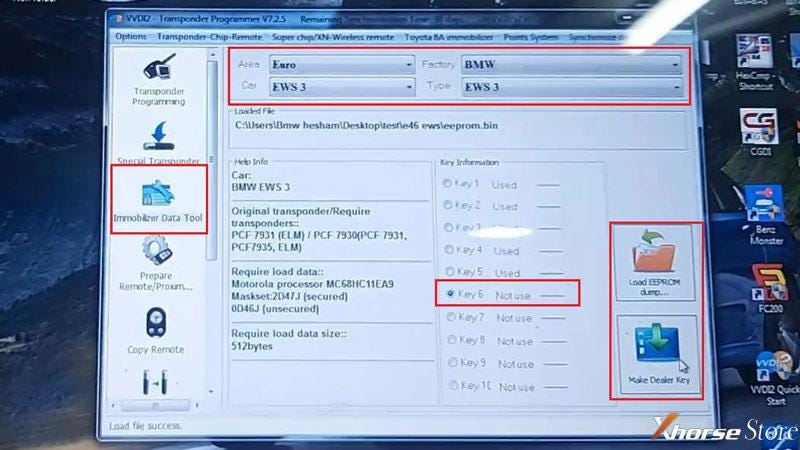
Transponder programmer >> Autodetect transponder >> Immobilizer data tool
Area: Euro
Factory: BMW
Car: EWS3
Type: EWS3
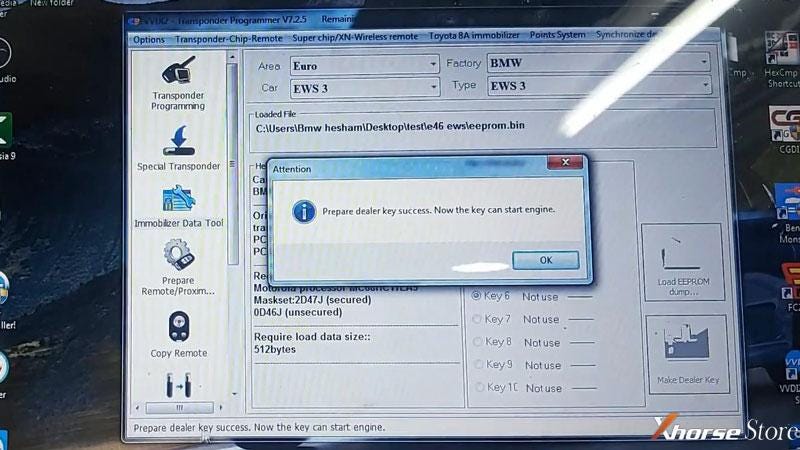
Load EEPROM dump >> Select an unused key position: Key6 >> Make dealer key >> PCF7930(PCF 7931, PCF7935, ELM)
Prepare dealer key success. Now the key can start engine.
Assemble the EWS module back to vehicle, then test the key.
It does work.
Done.


Comments
Post a Comment