Xhorse VVDI Mini OBD Tool programming Hyundai i20 key
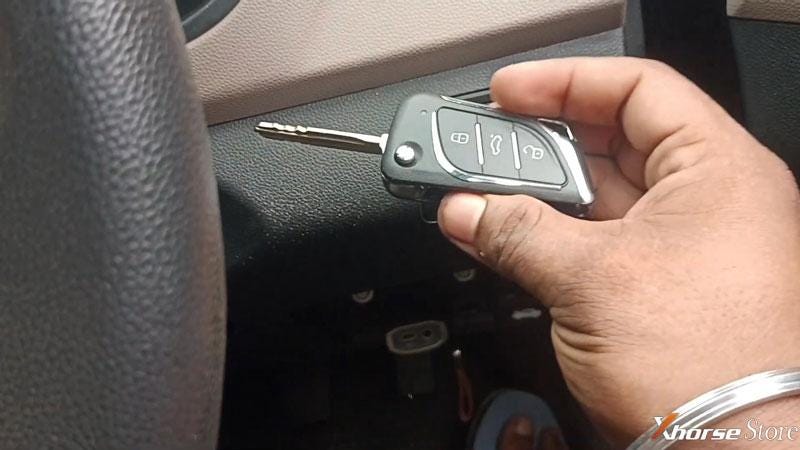
Xhorse VVDI Mini OBD Tool can read Hyundai i20 free pincode to successfully program keys by OBD. Only 3 minutes to be done. Follow the steps below to learn how easy it works.
Step1. Read Pincode
Plug VVDI Mini OBD Tool into OBD.
Turn ignition on.
Go to Xhorse app:
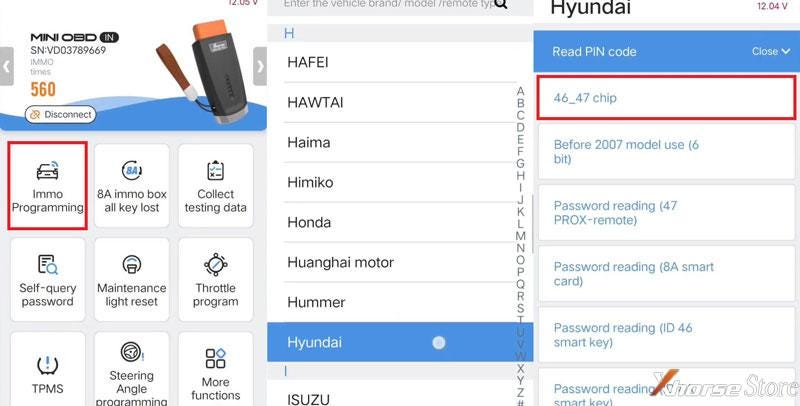
Immo programming >> Hyundai >> Read PIN code >> 46_47 chip >> Start execution
Turn on the ignition switch!
Reading password…
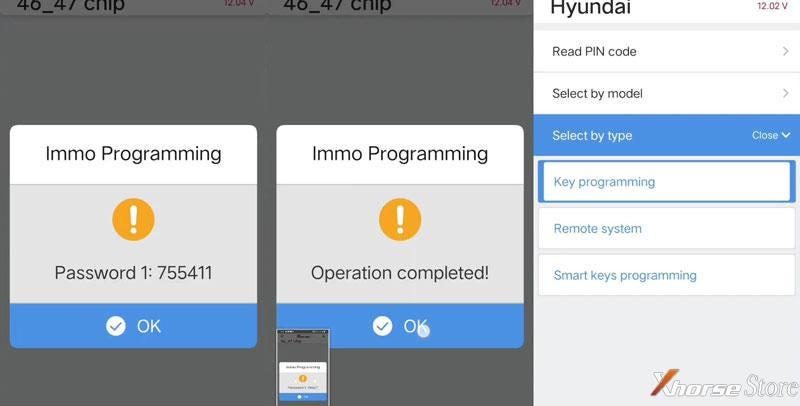
Password 1: 755411
Operation competed!
Step2. Program Key
Select by type >> Key programming >> Type4 (CAN) >> Start execution >> key programming
Switch ignition off, then switch ignition to ON again, or click double flash button once to make sure the system is activated.
The number of learned keys: 2
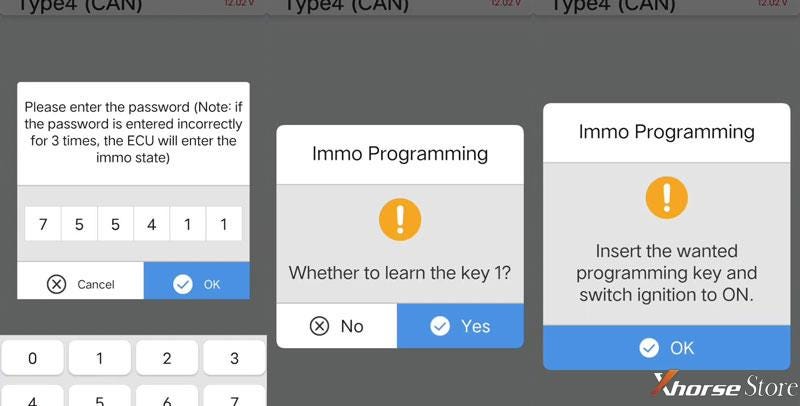
Click "Yes" to continue.
Enter the password: 755411
OK >> Yes
Insert the wanted programming key and switch ignition to ON.
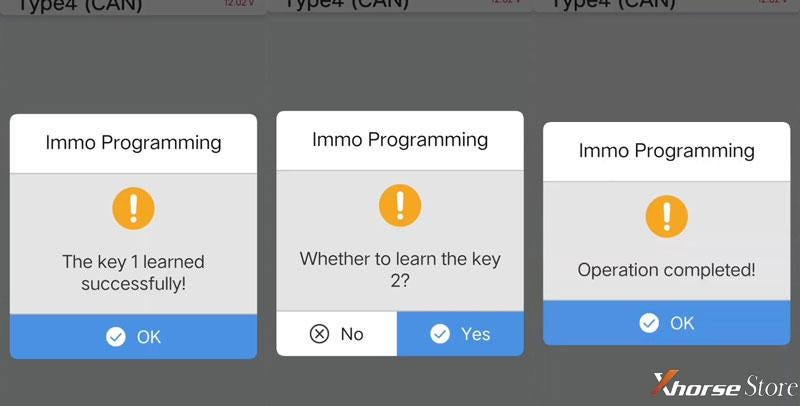
The key 1 learned successfully!
Click "Yes" to learn next key.
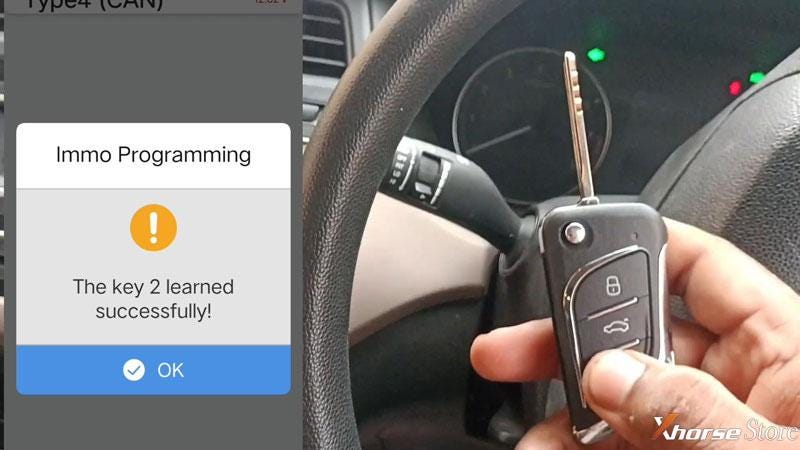
Insert the second key and switch ignition to ON.
The key 2 learned successfully!
Click "No" to finish.
Operation completed!

Don't forget to unplug Mini OBD Tool once done.


Comments
Post a Comment