Xhorse EZS adapter read EEPROM & flash of Mercedes W211
Xhorse VVDI PROG + EZS adapters can support to read Mercedes Benz EIS/EZS W164, W169, W203, W209, W211, W215, W639 and Sprinter. Solder-free, plug and play, designed for quick job.
Below is reading Mercedes W211 HC12 eeprom & flash as an example.
Tools:
Benz W211 EZS
Connection
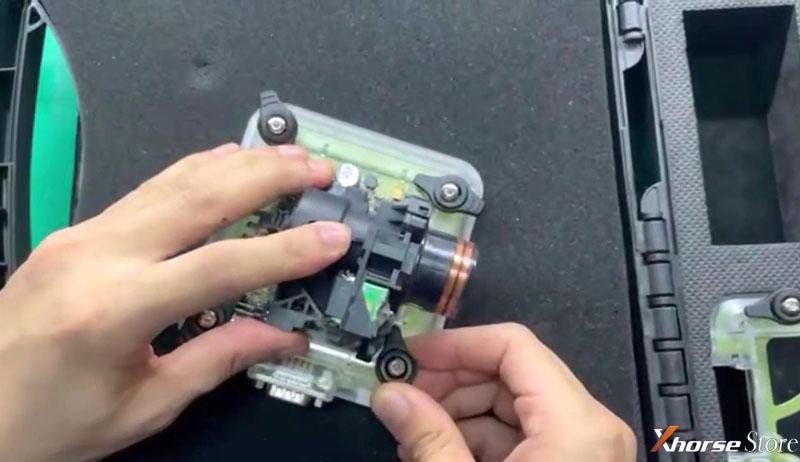
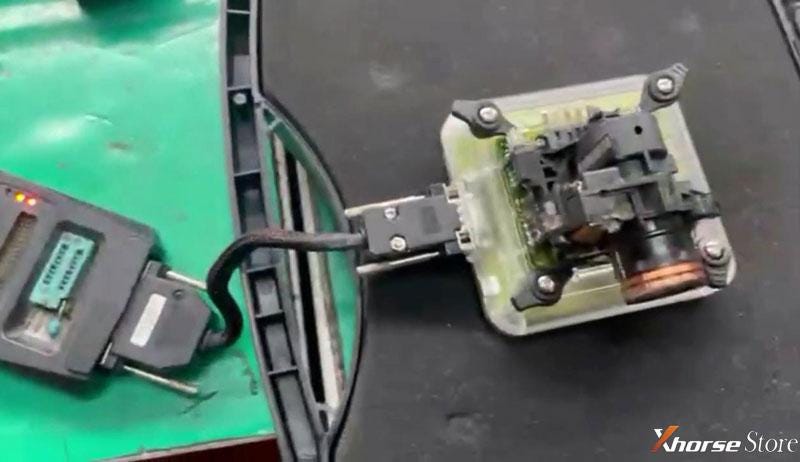
Install ST12 adapter onto W211 EZS, connect to VVDI Prog via EZS adapter cable. Connect device to computer via USB.
Procedure
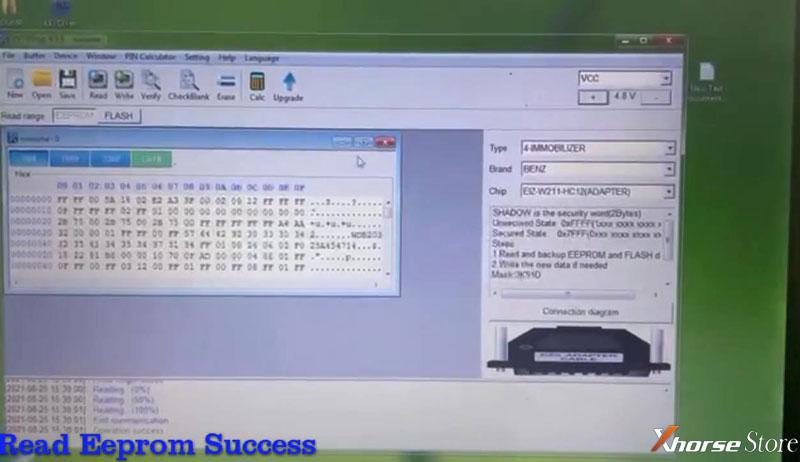
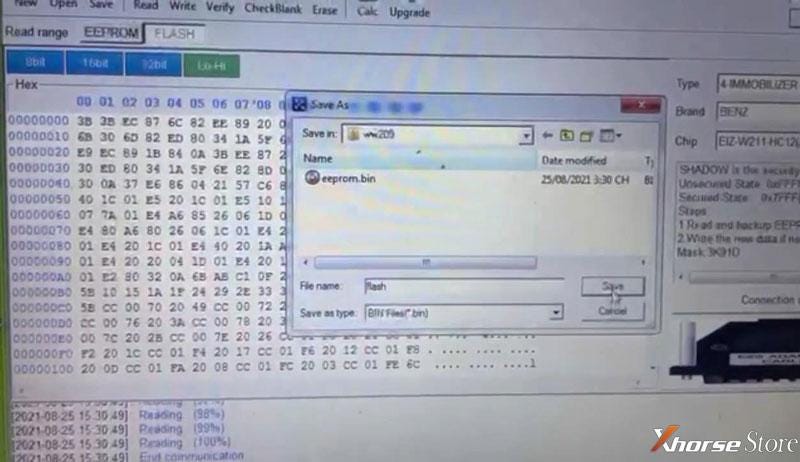
Open VVDI Prog software to select options:
Type: 4-IMMOBILLIZER
Brand: BENZ
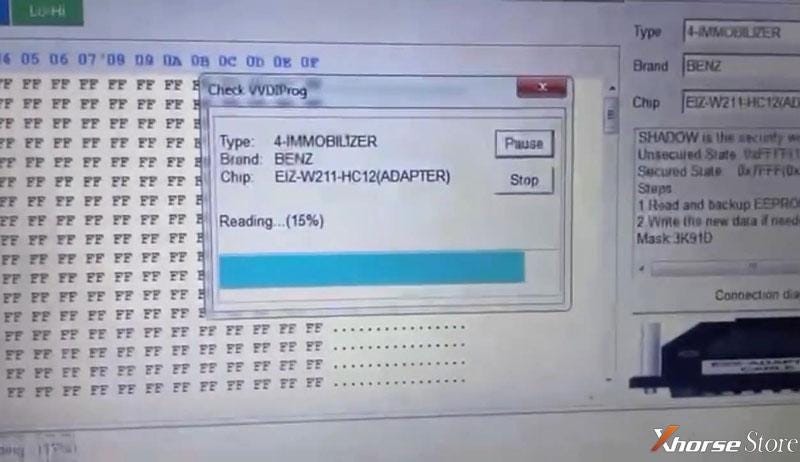
Chip: EIZ-W211-HC12(ADAPTER)
EEPROM >> Read
Read eeprom success.
Save eeprom data file.
FLASH >> Read
Read flash complete.
Save flash data file.
Done.
Very quick in 3 minutes. No soldering or welding.
Technical support: www.xhorsestore.co.uk


Comments
Post a Comment