Xhorse Condor XC-Mini Plus II Firmware Update Guide
Different from other Xhorse Key Cutting Machines, Condor XC-Mini Plus II allows users to update the system, firmware and database on machine directly.
For traditional way, users should download & install the Xhorse upgrade kit on a personal computer firstly. Then connect PC to key cutting machine via USB for upgrading. But for new device Condor XC-Mini Update, 2-steps operation is enough. No cable, no more computer.
How to update Condor XC-Mini Plus II?
Step1. Connect to WiFi network
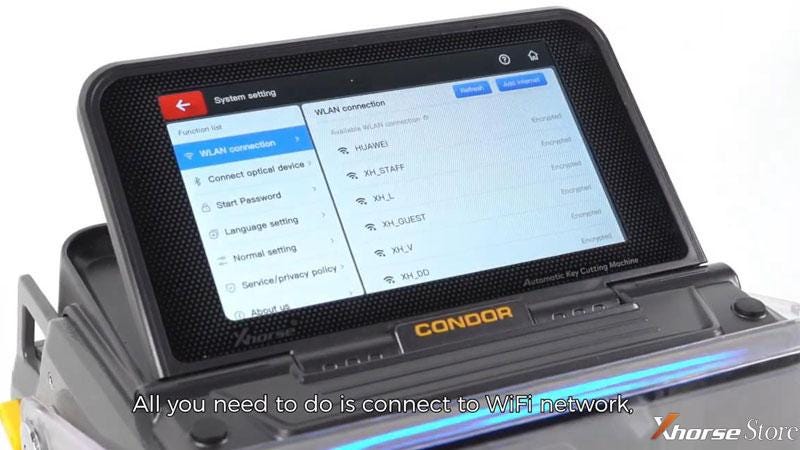
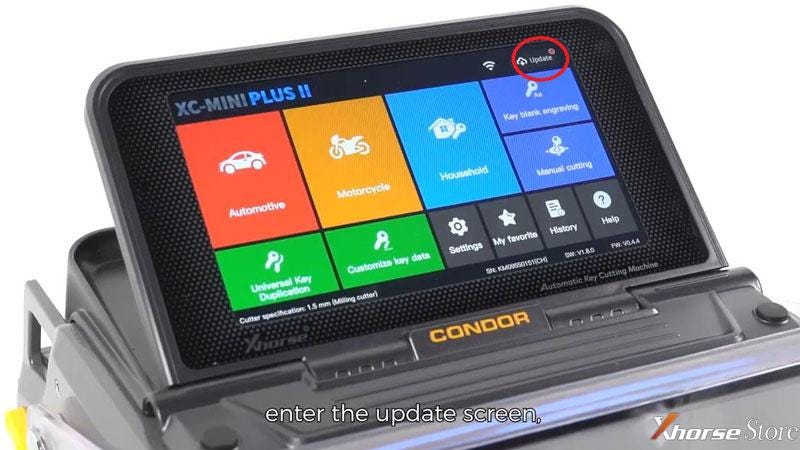
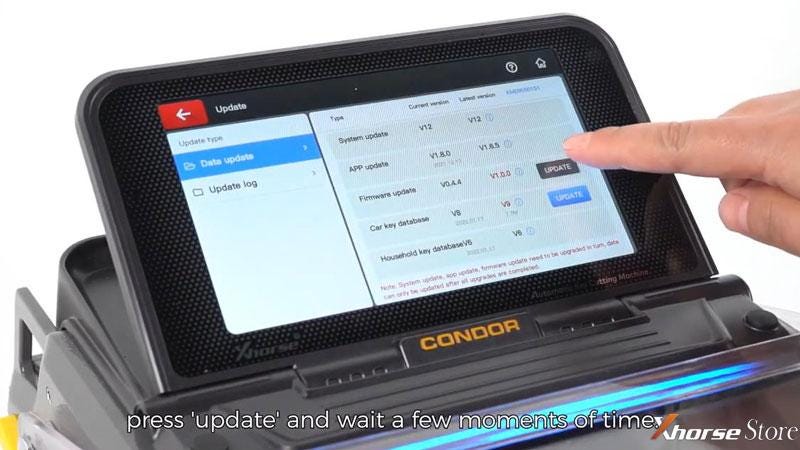
Step2. Update >> Firmware update/ Car key database >> OK
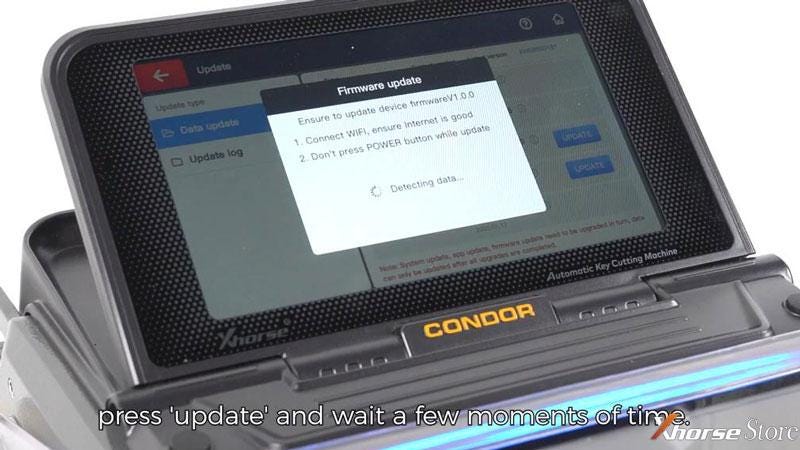
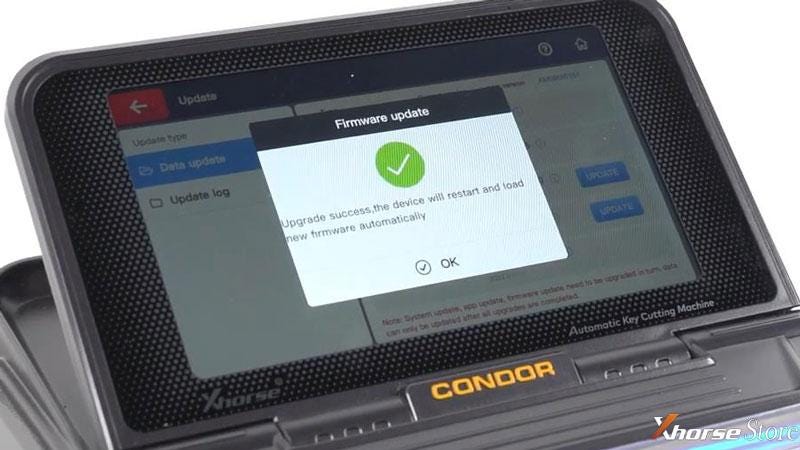
Click “update” and wait a while for upgrading...
Upgrade success.
The Condor Mini Plus 2 will restart and load new firmware & database automatically.
Note:
Ensure Internet is good. Don’t press POWER button while update.
It’s much easier and more intuitive for anyone using the machine. That’s what Xhorse is striving for: to continually improve and optimize its products, offer a more user-friendly and universally accessible using experience.


Comments
Post a Comment