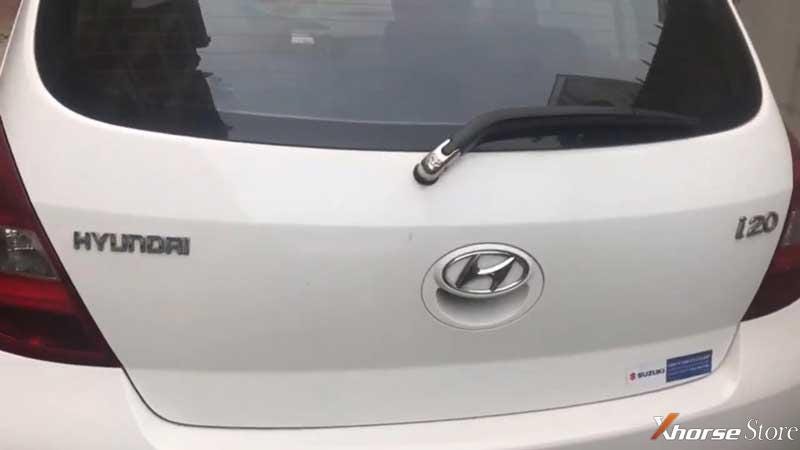
Xhorse VVDI Key Tool Plus key add function: for Hyundai I20
How to use Xhorse VVDI Key Tool Plus Pad to program a new remote key for Hyundai i20? Follow the steps below to learn how easy it works.
Generate Remote
Prepare a working key & a new key.
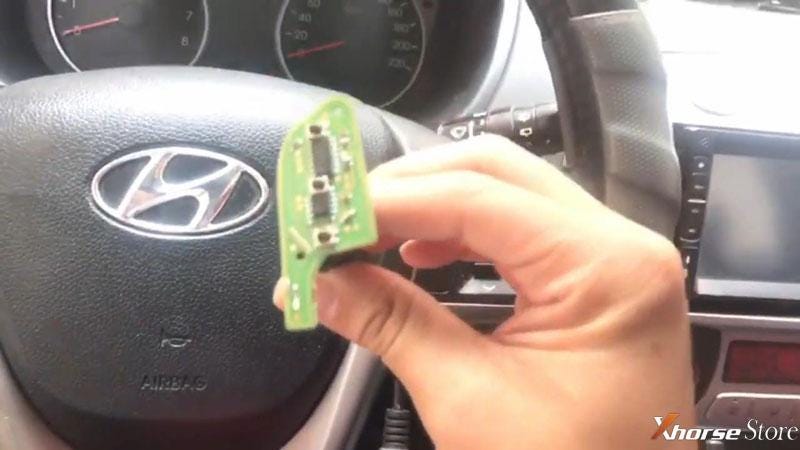
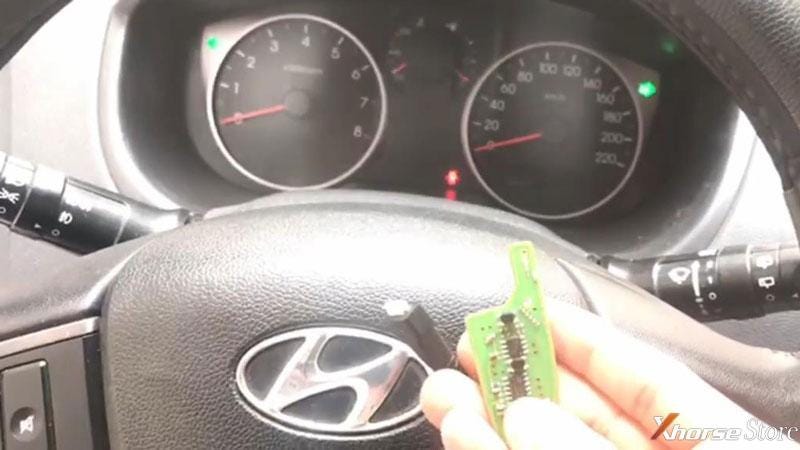
Take out key board of new key to connect to VVDI Key Tool Plus.
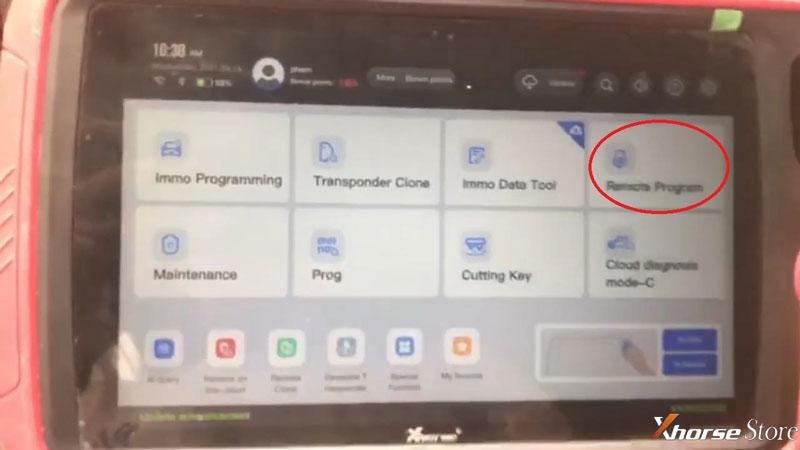
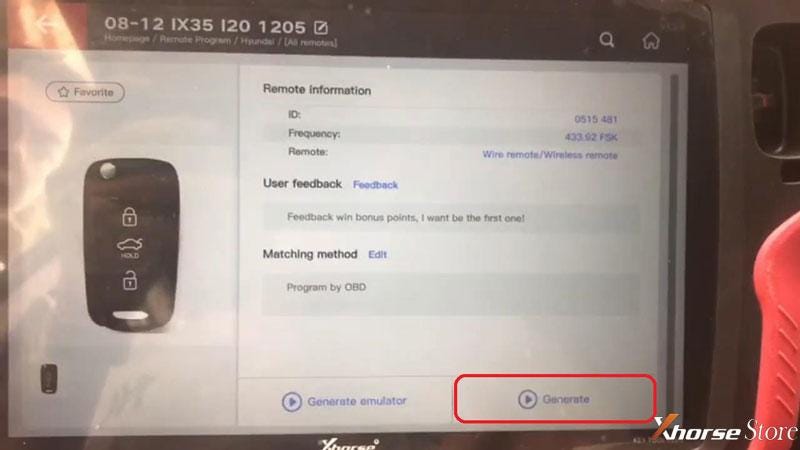
Plug VVDI Key Tool Plus into OBD2 port, click
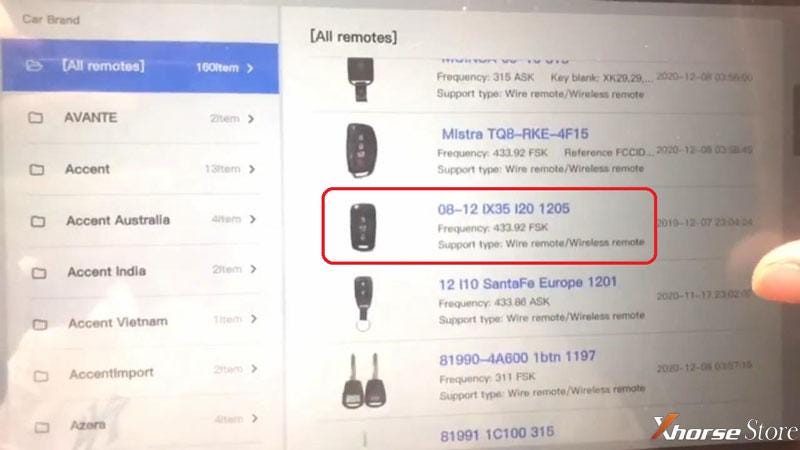
Remote program >> Hyundai >> All remote >> 8-12 IX35 I20 1205 >> Generate
Burn success.
Program Remote
Install a battery with the new key.
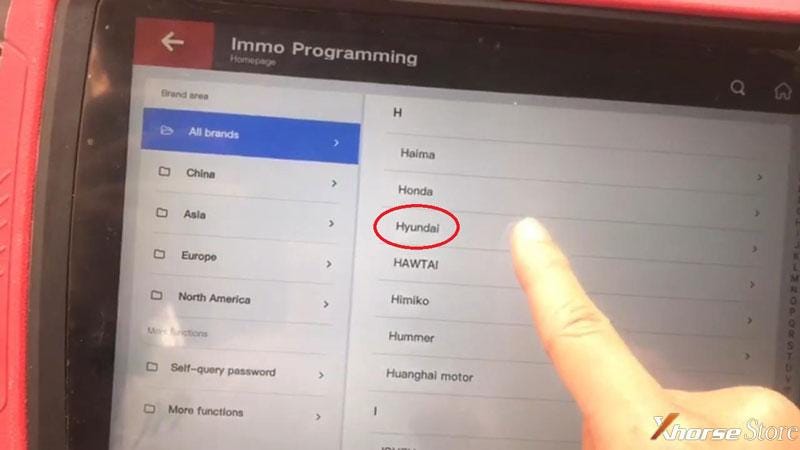
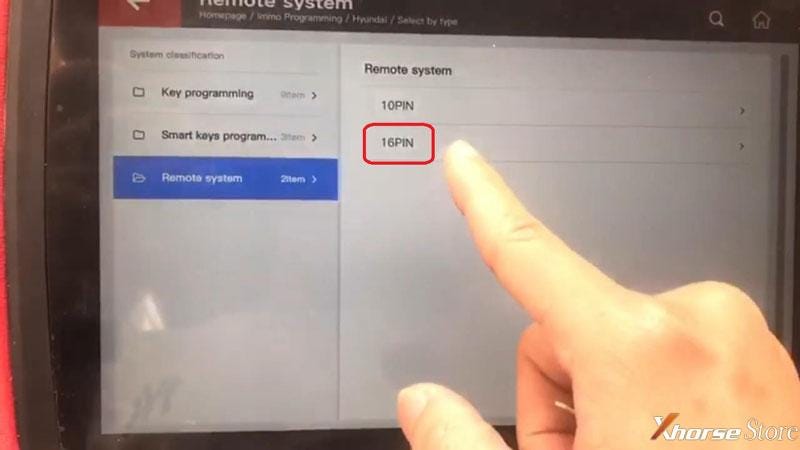
Immo programming >> Hyundai >> Select by type >> Remote system >> 16PIN >> Type 1 >> Start programming >> Remote key adaptation
Connect OBD, insert the working key and turn on ignition switch.
Then turn off and remove the key!
Press the LOCK or UNLOCK button of wanted programming remote for 1s!
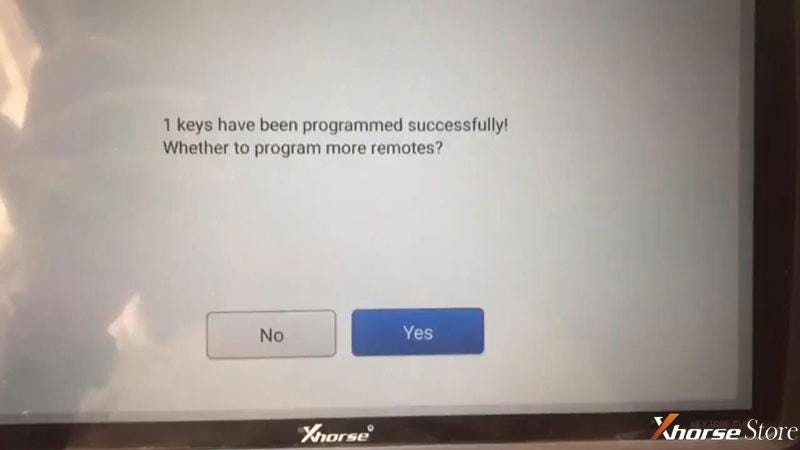
1 key have been programmed successfully!
Press “Yes” to program next remote, press “No” to complete.
Program completed!
Test the new key, remote works well.
Done.

Exactly fast and easy to finish in 3 minutes. VVDI Key Tool Plus also supports a wide vehicle coverage. More details feel free to contact us.


Comments
Post a Comment