Xhorse VVDI Mini Prog first setup: binding and upgrading software
How to pair & update Xhorse VVDI MINI Prog EEPROM programmer? No worries, this is exactly what the article is talking about. Check below to learn the procedure step by step.
How to pair VVDI MINI Prog to a smart phone/Key Tool Max?
- Connect your smart phone/ VVDI Key Tool Max to WiFi.
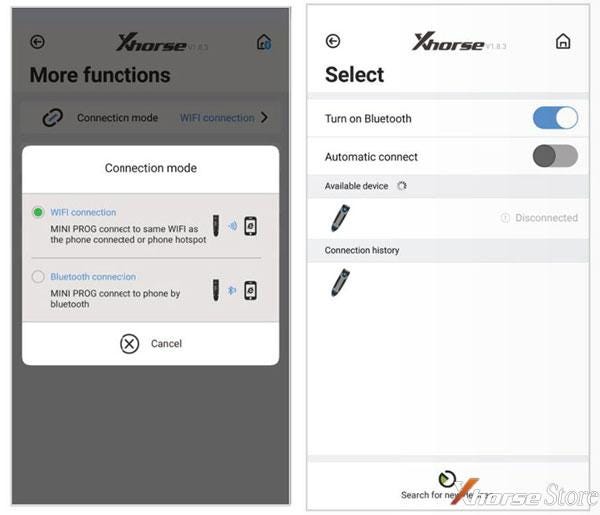
Go to MINI Prog page, press
More functions >> Connection mode >> WiFi connection
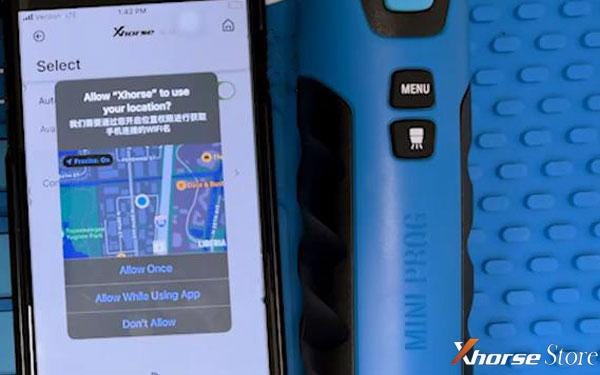
- Press Pair button >> Select MINI Prog device >> Allow location permissions >> Enter WiFi info.
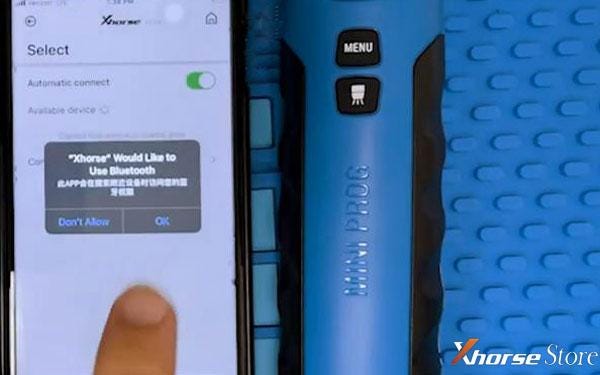
Once connected, Select Pair button again >> Allow Bluetooth connection >> Select device SN.
Done!
When synced, we can start to install all available updates.
How to update Xhorse MINI Prog software & firmware?
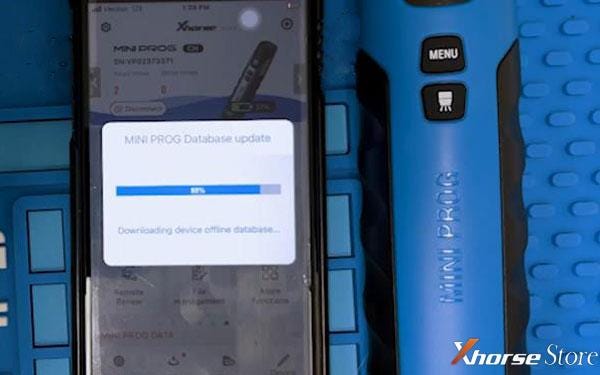
- Press “Download” to start download data.
MINI Prog database will update automatically...
Just wait for 100%
Update success.
- Go to Update >> Click firmware version in red >> Update >> Confirm update
MINI Prog screen will show its status.
Wait until 100%...
Update firmware success.
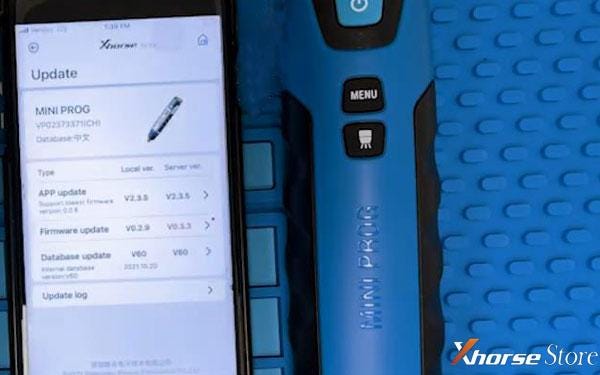
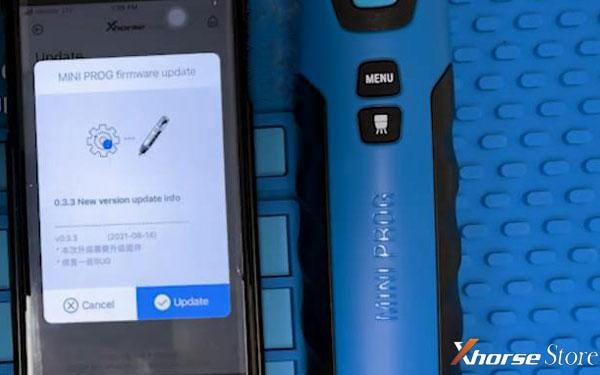
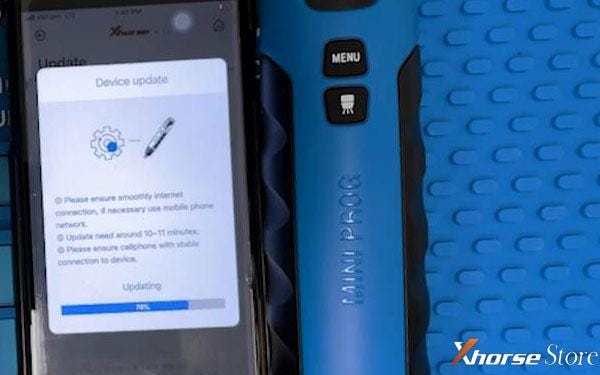
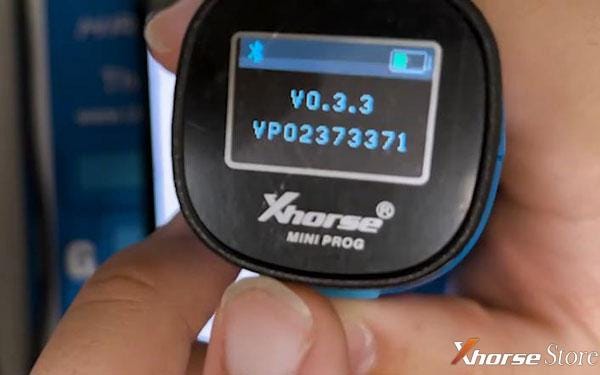
By pressing menu button, we can check its version on MINI Prog screen.
It is the latest version already.
That’s it!
VVDI MINI Prog User Manual.pdf
https://www.xhorsestore.co.uk/upload/pro/21071616264307514226.pdf
More questions feel free to contact us.


Comments
Post a Comment