Xhorse super chip used in 2015 Nissan Rogue
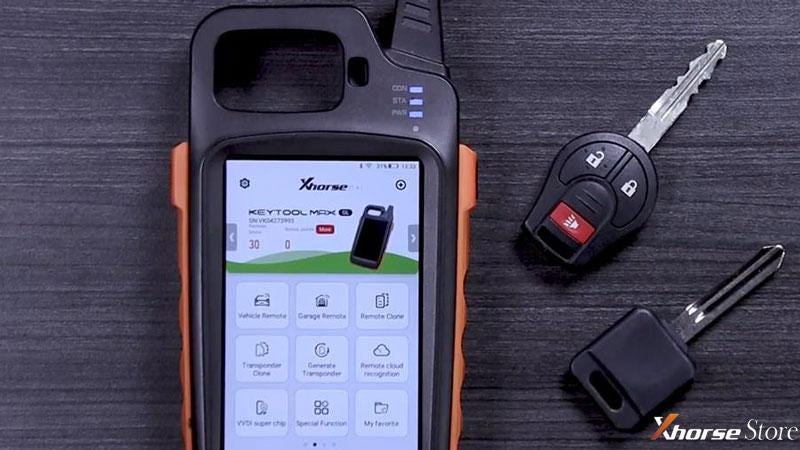
How to use Xhorse VVDI Key Tool Max to clone 2015 Nissan Rogue super chip key? This is a quick demonstration to show transponder setup & programming procedure.
Tools Required
Nissan Original key
Nissan Blank key
Condor XC-009 Key Cutting Machine
Operations
- Clone Super Chip
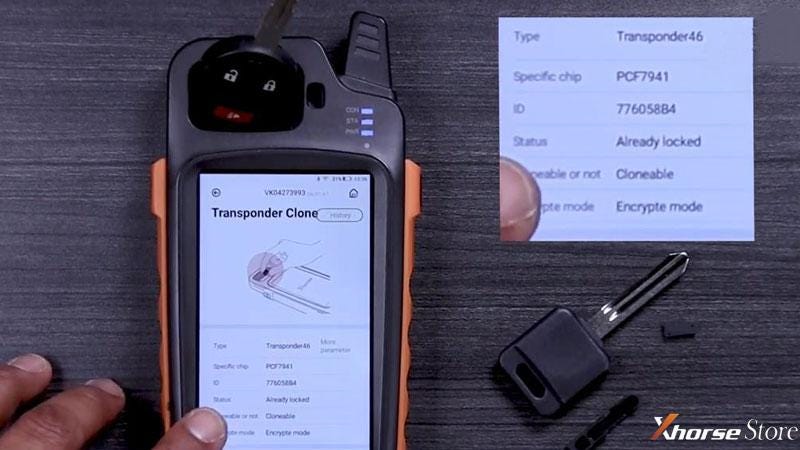
Place the original key into Key Tool Max coil, press
Transponder clone >> Read transponder
Confirm the transponder is 46 type.
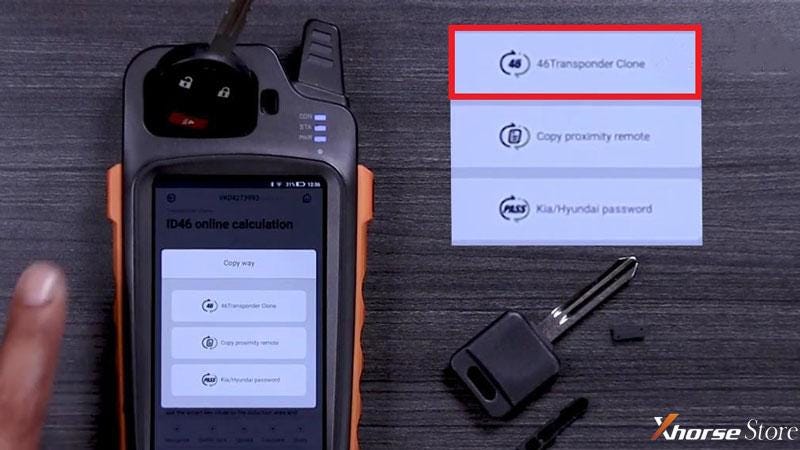
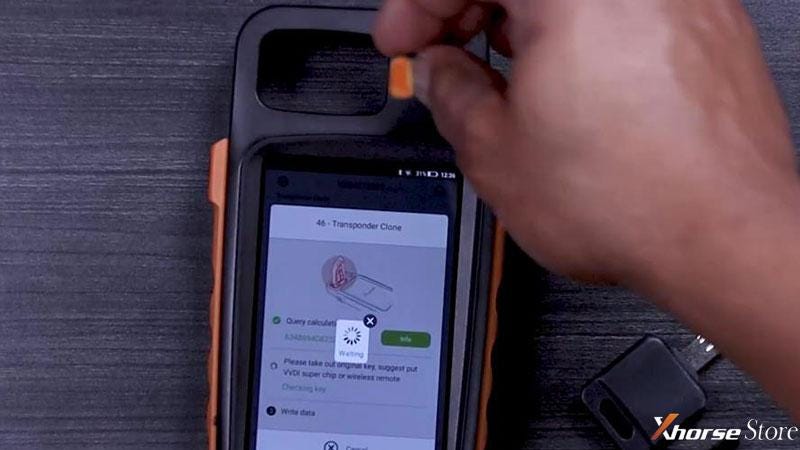
Clone >> Start clone >> 46 transponder clone
Ensure the key is centered in coil for good read.
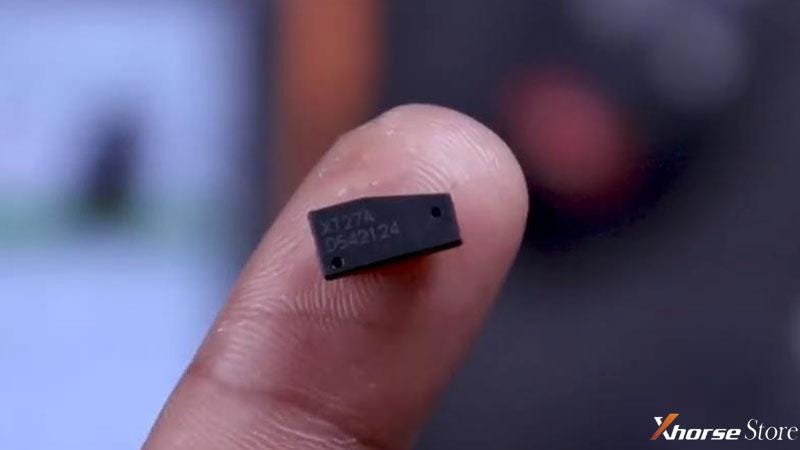
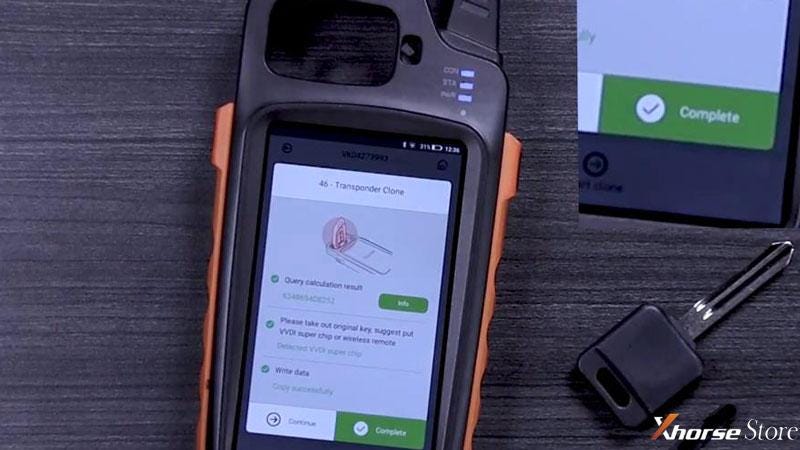
Take out the key and place Super Chip into chip slot as prompted.
Copy successfully.
Press “Complete” when finished.
- Cut New Key
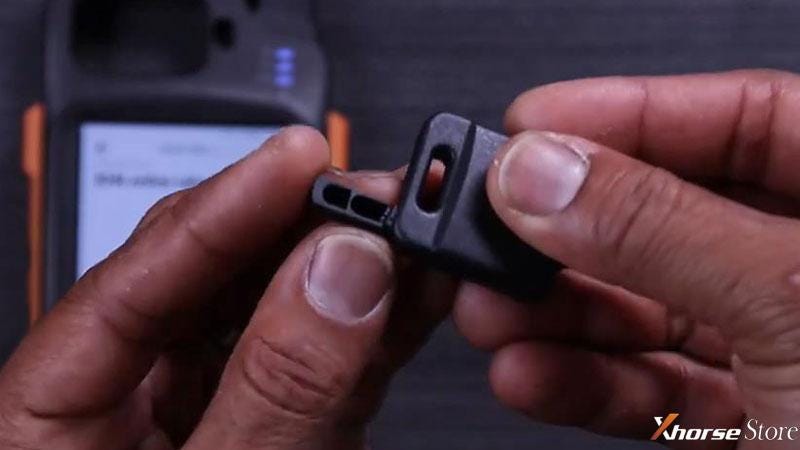
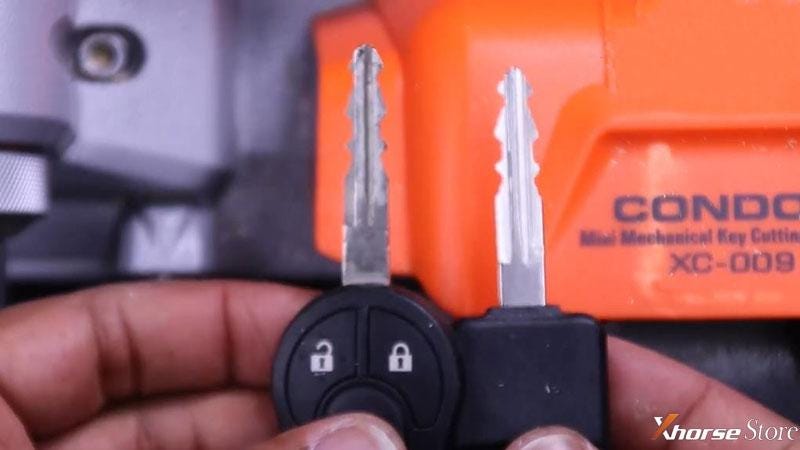
- Place the programmed XT27A chip into blank key.
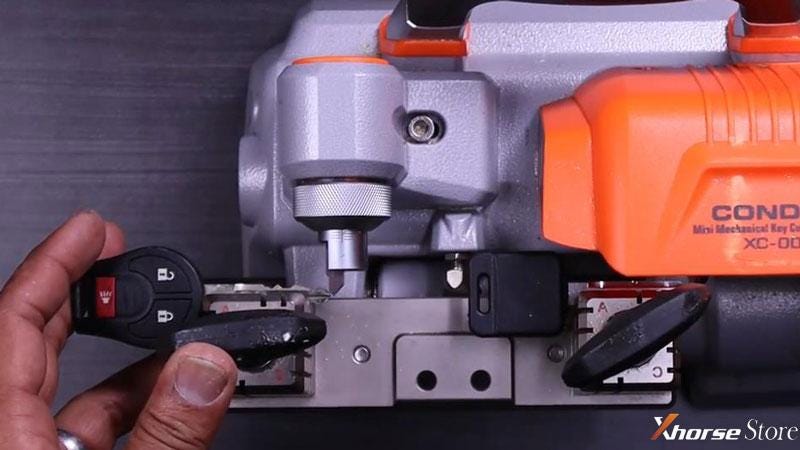
- Place original key into Condor XC-009 guide clamp.
- Place blank key into Condor XC-009 cut clamp.
- Check the spacing and tip alignment to cut the key.
Cutting completed, go on next step.
- Program New Key
- Insert original key into ignition and start it.
- Remove original key and insert new key to start when running and all dash lights are off.
Vehicle should start normally, which means the new key was cloned, cut and programmed successfully.

That’s it!


Comments
Post a Comment